
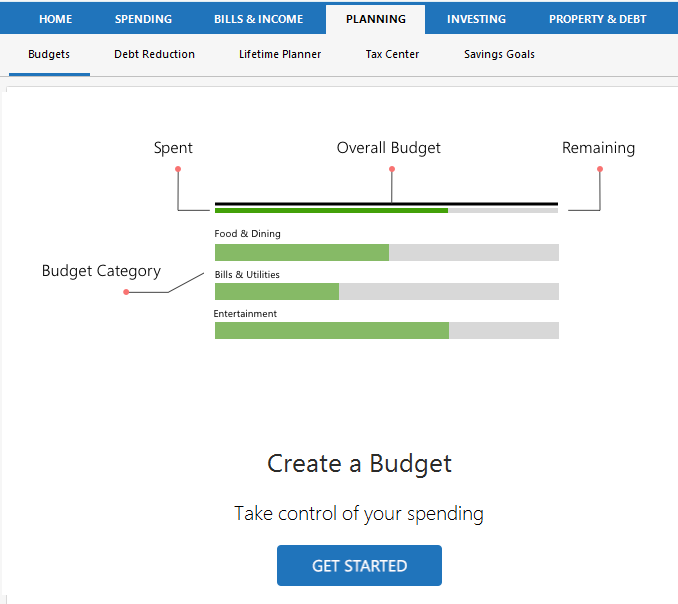
A budget is a plan. You set goals, such as $200 per month for dining out, and Quicken compares your plan with your actual spending.
You don't need to budget every dollar you spend. All you need to do is decide which categories you want to set budget amounts for. Quicken will do all the math and show you where you stand for each.
To get started with your budget, go to the Planning → Budget tab and click Get Started. Follow the on-screen instructions or go to How do I create a budget? for more information.
What can I do with budgets?
-
What is a budget rollover? -
Add categories to the budget snapshot -
How do I rename a budget? -
Track a budget or savings goal snapshot -
How do I create a budget? -
About budget amounts -
What is a budget category? -
How do I add or remove budget categories? -
How do I manage category groups in a budget? -
How to duplicate a budget -
Deleting a budget -
How do I create budget reports and graphs? -
Edit Yearly Budget -
Plan your financial future -
Work with a budget -
Create a fiscal year budget -
Create a budget for future years